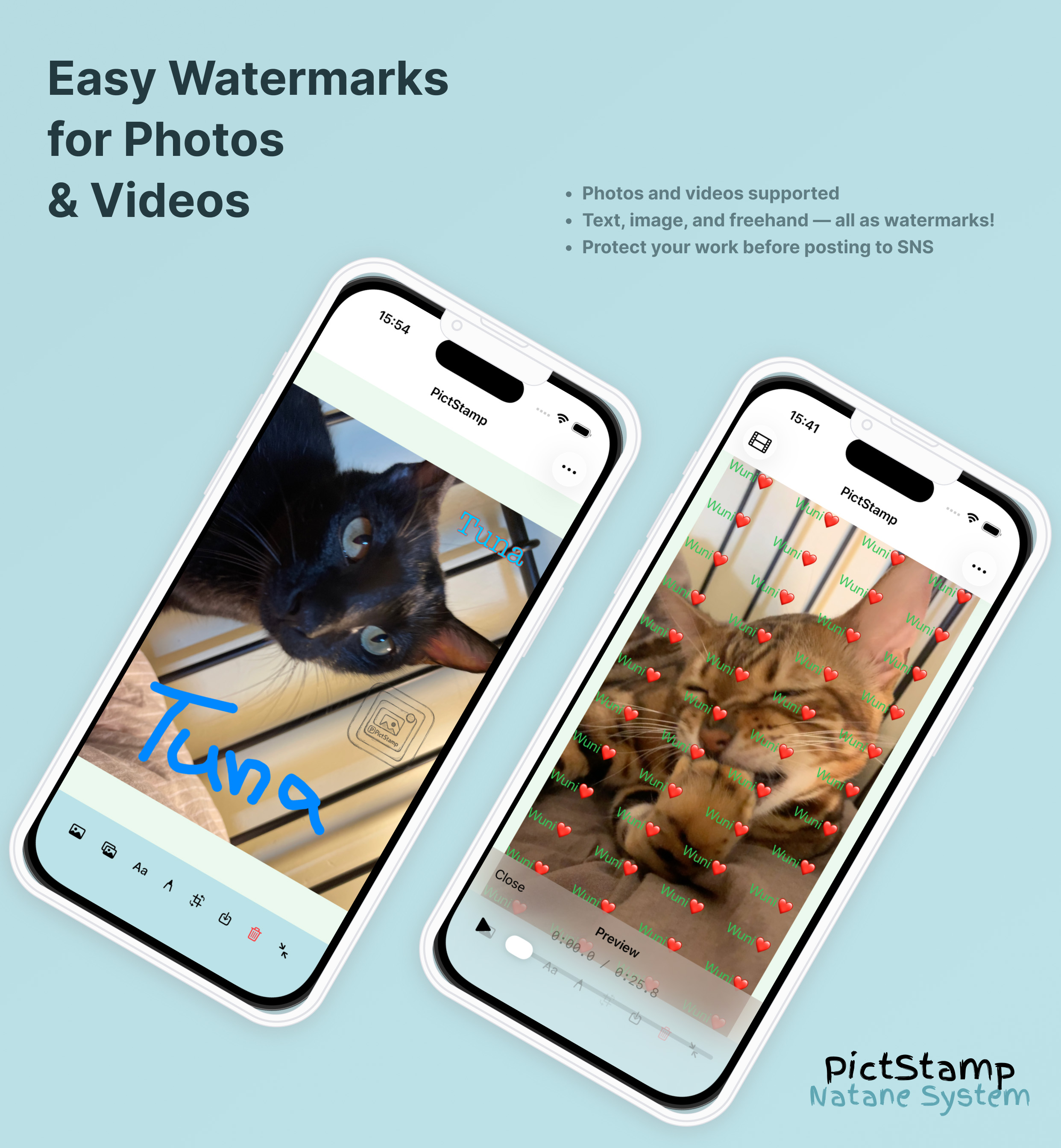
PictStamp is an app that lets you easily add watermarks (overlay images, text, and freehand drawings) to your photos, images, and videos.
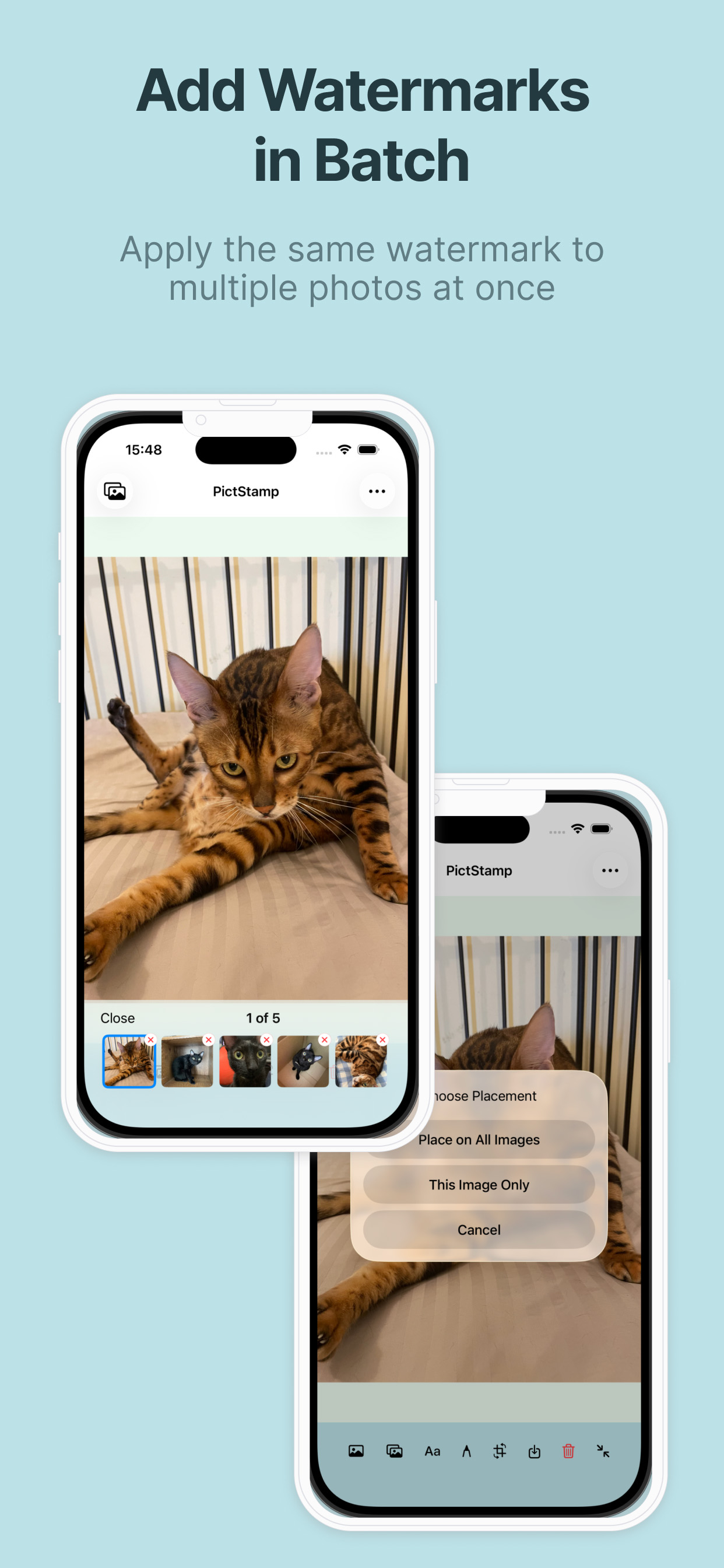
From adding watermarks to saving and sharing, everything can be done seamlessly within the app.
Protect your work from unauthorized use and reposting by adding watermarks.
Features
Watermark — Overlay Images
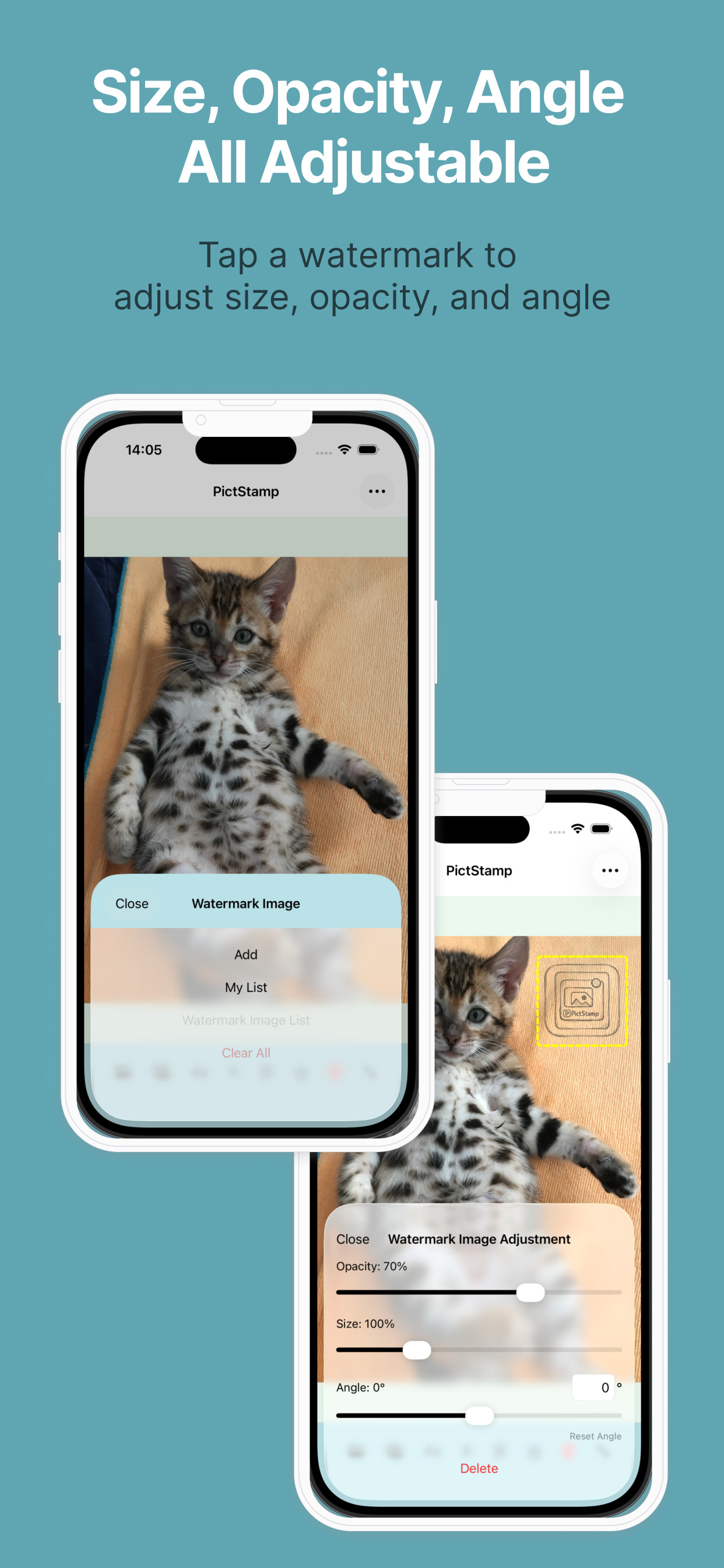
You can overlay multiple images as watermarks and adjust their opacity and size.
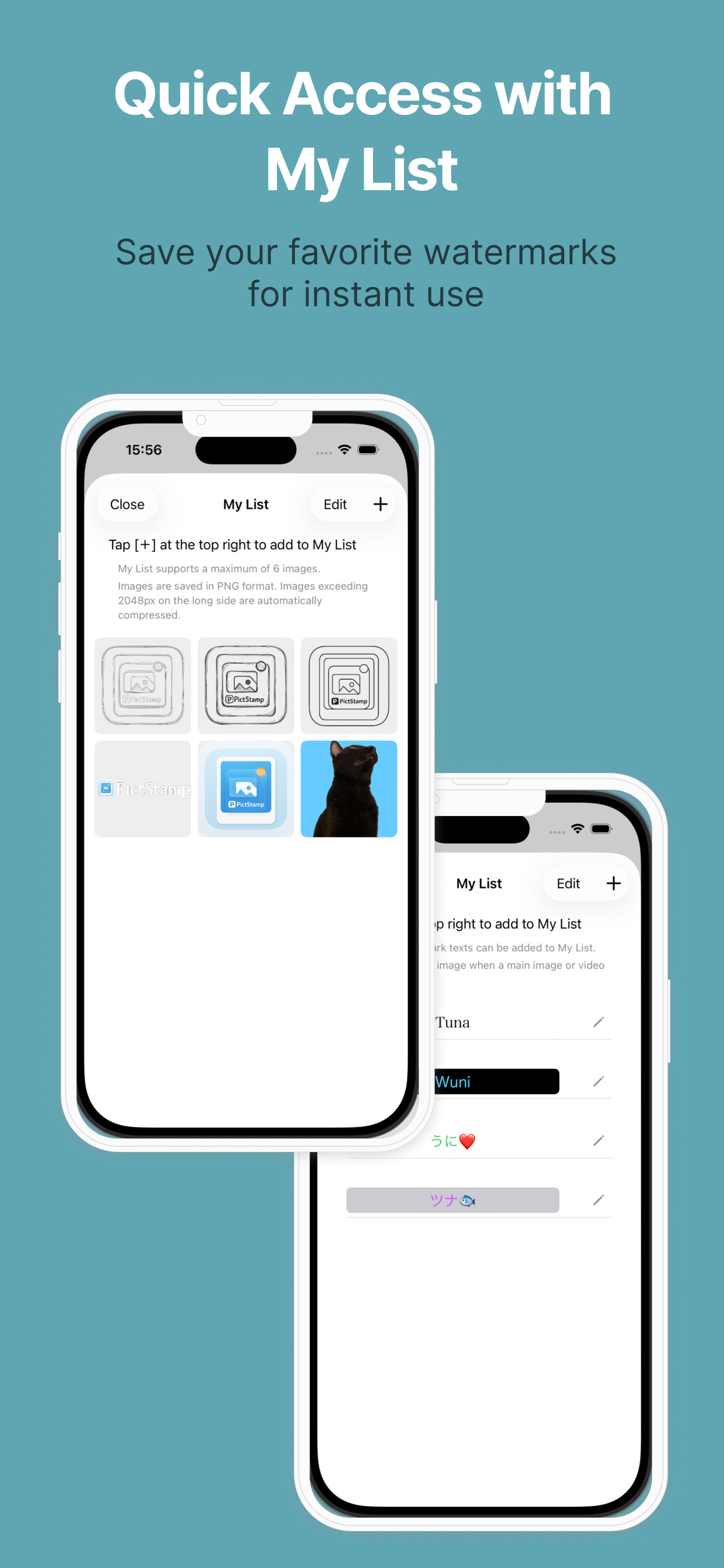
Images can be selected from your photo library or saved to My List for quick access like stamps.
Watermark — Text
Text watermarks allow you to use your entered text as a watermark, and also support Tile Mode that repeats across the entire photo.
You can adjust the display from subtle to prominent depending on your needs.
You can save watermarks to My List with specified fonts and colors.
Watermark — Freehand Drawing
Draw lines and text freely with your fingertip to create watermarks.
Create original watermarks such as signatures and illustrations.
Rotation & Cropping
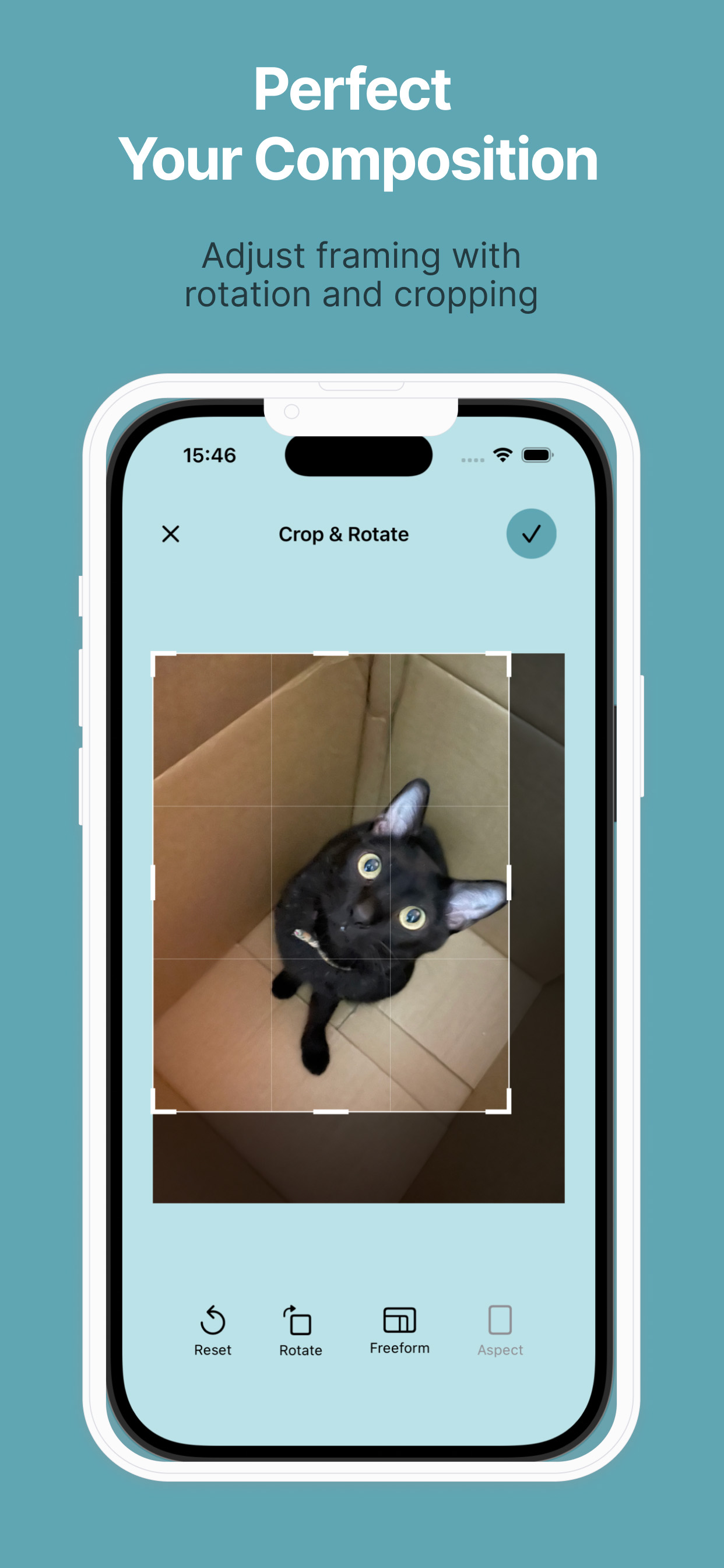
Adjust your photo's composition before adding watermarks.
Fine-tune your results with rotation and cropping for a polished finish.
Video Support
Supports videos up to 120 seconds (MP4 and MOV formats). Longer videos can be trimmed during import.
You can easily adjust watermark positions while previewing the video.
Saving Images & Videos
Edited images and videos can be saved to your photo library or shared directly to social media and other apps.
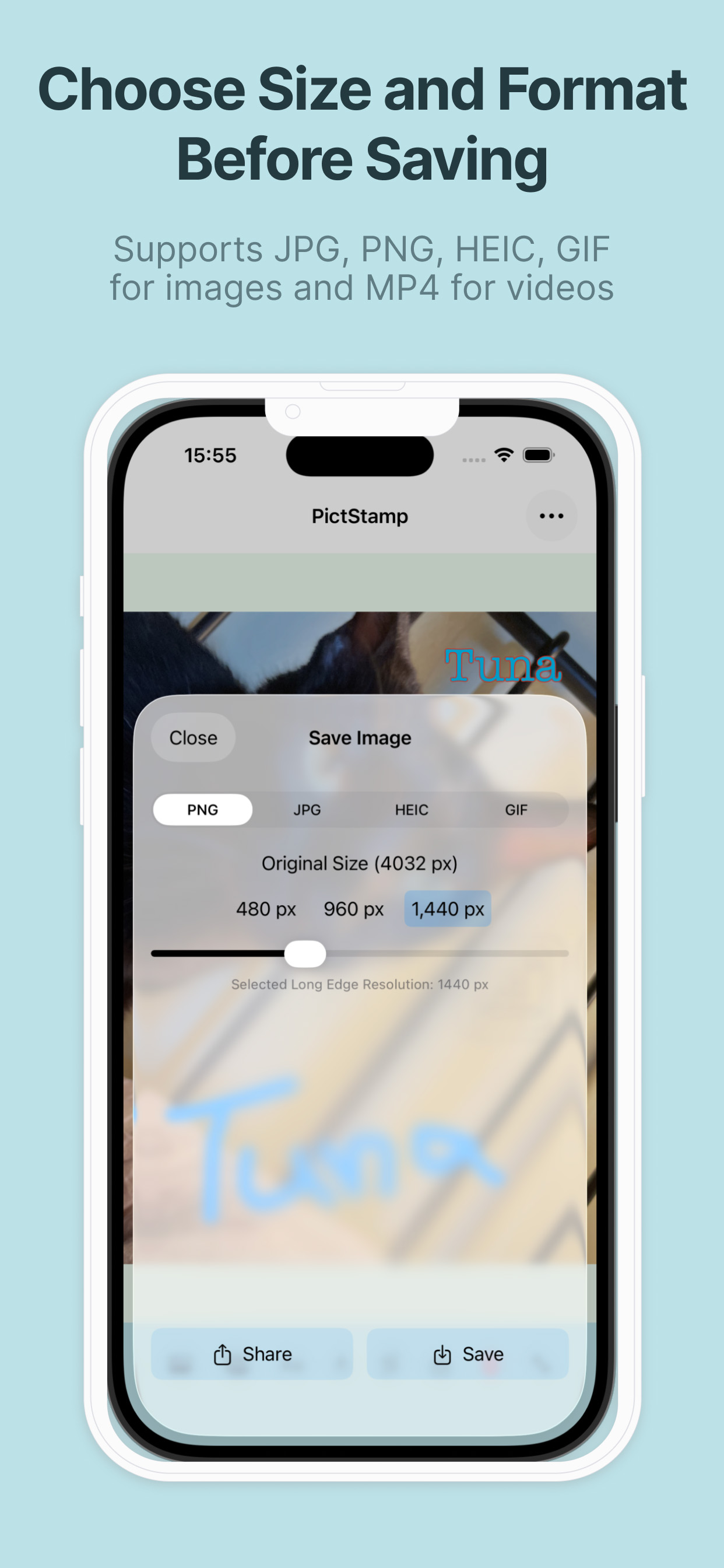
Supported formats:
Images: PNG, JPG, HEIC, GIF *GIF allows you to create animations by combining multiple images or blank pages. Frame intervals and loop playback can also be configured.
Videos: MP4
Try PictStamp Now